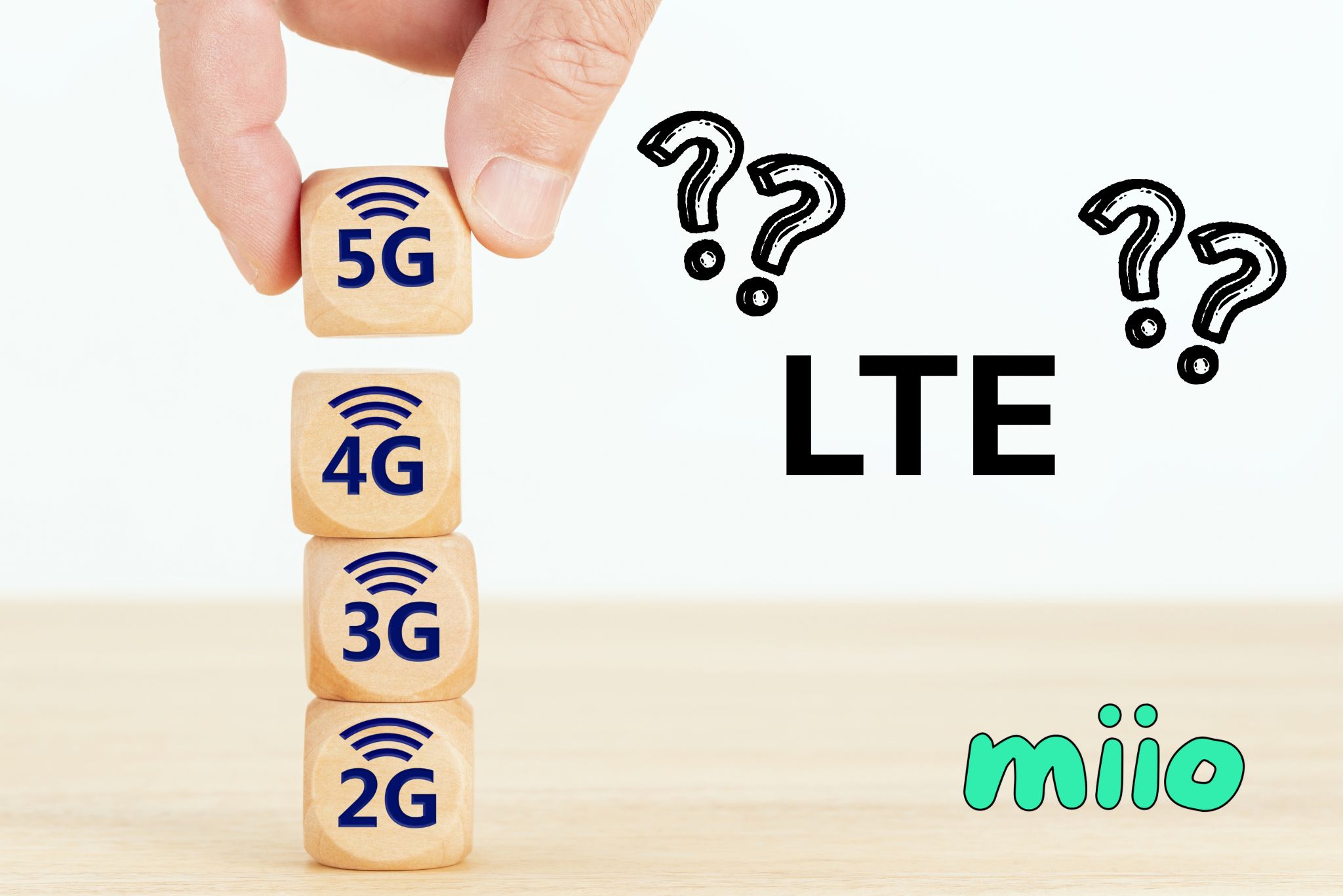
You have probably already noticed the acronym LTE It appears discreetly at the top of your smartphone screen, right next to the signal bars. Sometimes, these are replaced by the logo. 4G, to the 5G, or even to the dreaded H+.
What does LTE really mean? Is it better or worse than 4G? That's what we're going to find out.
What is LTE? 5 key facts to remember
“LTE is a type of mobile network that your phone connects to when you turn on mobile data.”
- Meaning : LTE means «"Long Term Evolution"» (Long-term evolution). This is the technical standard that succeeded 3G.
- A synonym for 4G: Technically, LTE is the first version of 4G. Today, operators and manufacturers use both terms.
- Speed and fluidity: It allows for a much faster, more stable and smoother internet connection than previous generations.
- Automatic transition: Your phone is smart. If the LTE signal is too weak, it automatically switches to 3G to keep you connected.
- The global standard: Even with the arrival of 5G, LTE remains the most extensive and reliable network worldwide in 2026.
LTE signal: What does it actually change for you?
Speed: LTE vs. 3G
Although no longer in vogue, 3G still exists. The difference in speed is striking. LTE is approximately 10 times faster than 3G:
- 3G: Approximately 1 to 5 Mb/s.
- LTE (4G): Between 20 and 100 Mb/s depending on your operator and your area.
In practical terms, where a video took several minutes to load on 3G, it starts instantly on LTE.
The tangible benefits on a daily basis
- Instant navigation: The web pages open without delay.
- High Definition Streaming: Watch your favorite series on Netflix or Twitch live streams without any interruptions.
- Connection sharing: Turn your phone into a modem for your computer.
- Battery saving: Contrary to popular belief, LTE puts less strain on your battery than prolonged 3G, because the phone spends less time "searching" for the network to load data.
VoLTE and LTE Advanced: The developments that boost your network
LTE does not mean “slower than 4G” Because the LTE network didn't stop at its basic version. It evolved to offer even more convenience.
VoLTE (Voice over LTE)
THE VoLTE VoLTE literally means "Voice over LTE." Previously, even if you had a 4G signal, your phone would switch back to 3G when you made a call. With VoLTE:
- The sound quality is in HD (clearer, less background noise).
- The call is established almost instantly.
- You can continue to browse the internet using 4G while you are on the phone.
LTE Advanced (or 4G+)
This is the "muscular" version of the network. You sometimes see it displayed 4G+ Or LTE+. This technology combines several frequency bands to double or triple the speed. Data rates can then reach 300 Mb/s, enabling 4K streaming or online gaming without lag.
When LTE shuts down: Switching to 3G or H+
Sometimes the LTE acronym disappears and is replaced by 3G, H+ or even E (Edge). This is not a malfunction of your phone, but an adjustment to local coverage.
- H+ (HSPA+): This is the fastest version of 3G. It's fine for social media, but a bit slow for HD video.
- 3G: Navigation becomes sluggish.
- E (Edge): This is your last chance. You can send a text message (WhatsApp/SMS), but forget about the rest.
Impact for you: Navigation becomes slower and video calls may stutter.
Will LTE disappear with the arrival of 5G?
The answer is one No categorical, at least for the next few years. While 5G offers incredible speeds, it requires much denser antennas.
In 2026, LTE remains the global "safety net." Most essential services, such as VoLTE calls and rural coverage, still rely on the LTE network. Operators plan to maintain this infrastructure for a long time to come, as it forms the basis of global mobile connectivity.
Practical guide: How to manage LTE on your smartphone?
On iPhone (iOS)
- Go to Settings → Cellular data.
- Go to Options → Voice and data.
- Make your choice:
- 5G enabled: Automatic switching between 5G and LTE.
- LTE: Uses only the 4G network.
- 3G: For areas with very poor coverage (saves battery).
On Android (Samsung, Xiaomi, Google Pixel…)
The procedure varies slightly depending on the brand but follows this logic:
- Open Settings → Connections (or Network and Internet).
- Go to Mobile networks → Network mode (or Preferred network type).
- Select your preferred option (e.g., 4G/LTE only Or 5G/4G/3G auto).
Conclusion: LTE, your essential travel companion abroad
For users accustomed to seeing the 4G or 5G logo, the term LTE may be confusing at first, but it is simply the commonly used term for 4G. In 2026, it remains the reference standard.
 Ready to enjoy an unlimited connection?
Now that LTE holds no more secrets for you, discover The best solutions for getting internet abroad.