
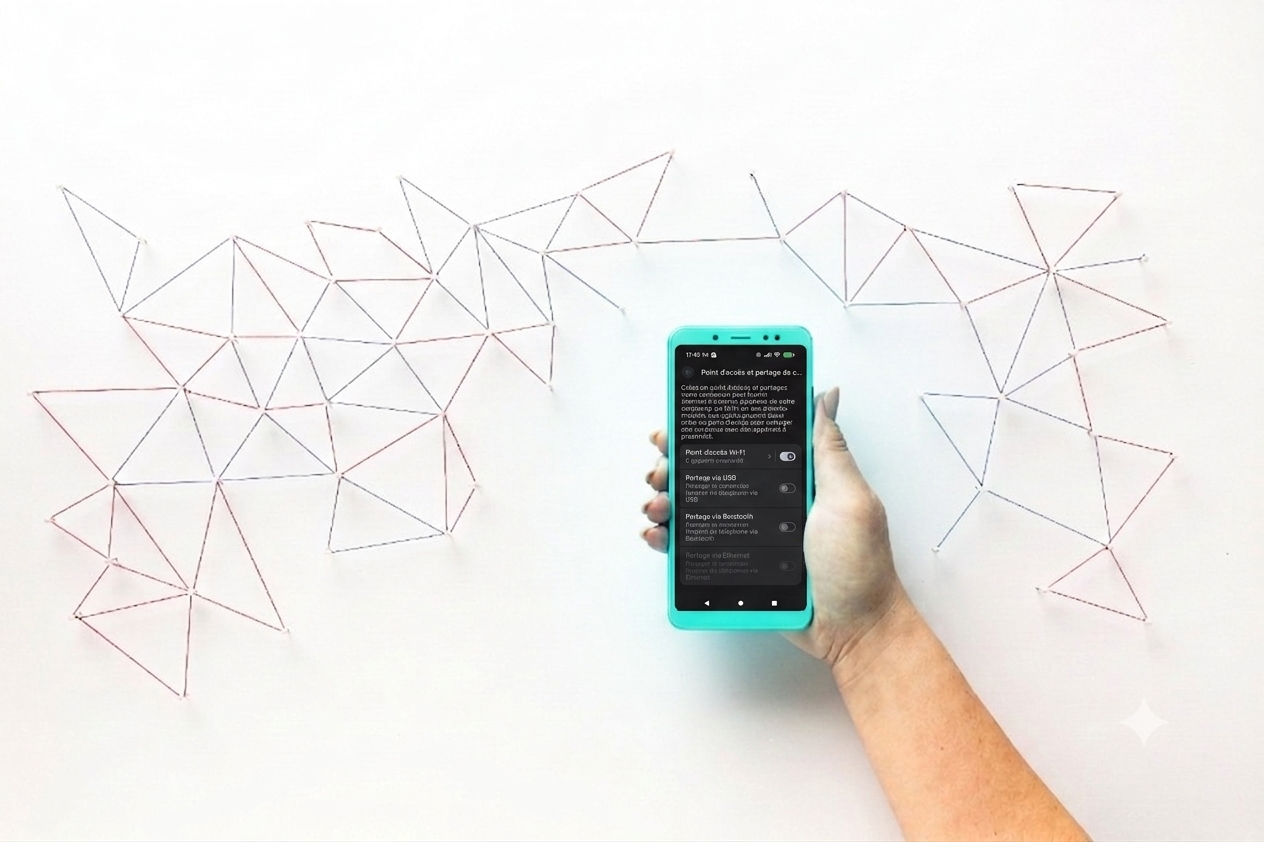
When planning a trip abroad, an eSIM has become essential for staying connected. But one question comes up very frequently among travelers: Is it possible to share your internet connection with an eSIM?
We will answer this question in detail.
Is it possible to share a connection using an eSIM?
No suspense, the answer is Yes! Tethering (or hotspot) works perfectly with an eSIM. You can share your mobile internet plan data with other devices (computer, tablet or other smartphone) in exactly the same way as with a classic physical SIM card.
The technology remains the same: only the chip format changes. If your travel eSIM plan includes a data allowance, you are completely free to distribute it to your other devices.
How do I configure my eSIM access point?
The configuration of the eSIM connection sharing It's child's play. Here's the step-by-step method depending on your smartphone model.
📱 Activate the hotspot on iPhone (iOS)
- Go to the Settings from your iPhone.
- Click on Cellular data and check that your eSIM is correctly selected for mobile data.
- Go to Internet connection sharing.
- Activate the option Allow others to log in.
- Set up a secure password and connect your other devices to the Wi-Fi network generated by your iPhone.
🤖 Enable the hotspot on Android (Samsung, Xiaomi, Pixel…)
- Go to the Settings from your phone.
- Click on Connections (Or Network and Internet).
- Select Mobile access point and modem (Or Internet connection sharing).
- Activate the Mobile access point.
- Choose a network name and password, then connect your other devices.
3 tips for sharing your eSIM data without any unpleasant surprises
Sharing your internet connection while travelling is extremely convenient, but there are a few details to watch out for to avoid getting disconnected.
- 1. Keep an eye on your data usage: A laptop or tablet consumes much more data than a smartphone (background updates, cloud synchronization, high-definition videos). Prioritize activating "data saving mode" on connected devices.
- 2. Monitor your battery: Hotspot mode puts a strain on your phone's processor and network antennas. Your battery will drain much faster than usual. Remember to bring an external battery (power bank) during your day trips.
- 3. Check your supplier's terms and conditions: Some low-cost eSIMs technically block connection sharing to force you to buy a plan per device.
Travel with peace of mind 🚀
At the house of Miio, We believe your trip should be synonymous with freedom. That's why all our eSIMs (whether for the USA, Canada, or elsewhere) allow free and unrestricted connection sharing.
Need to connect your Mac to work facing the ocean or share your connection with your travel partner? Install your Miio eSIM in a few clicks and enjoy high-speed internet to share, wherever you go.
👉 For more tips and tutorials on installing your eSIM, This way !