
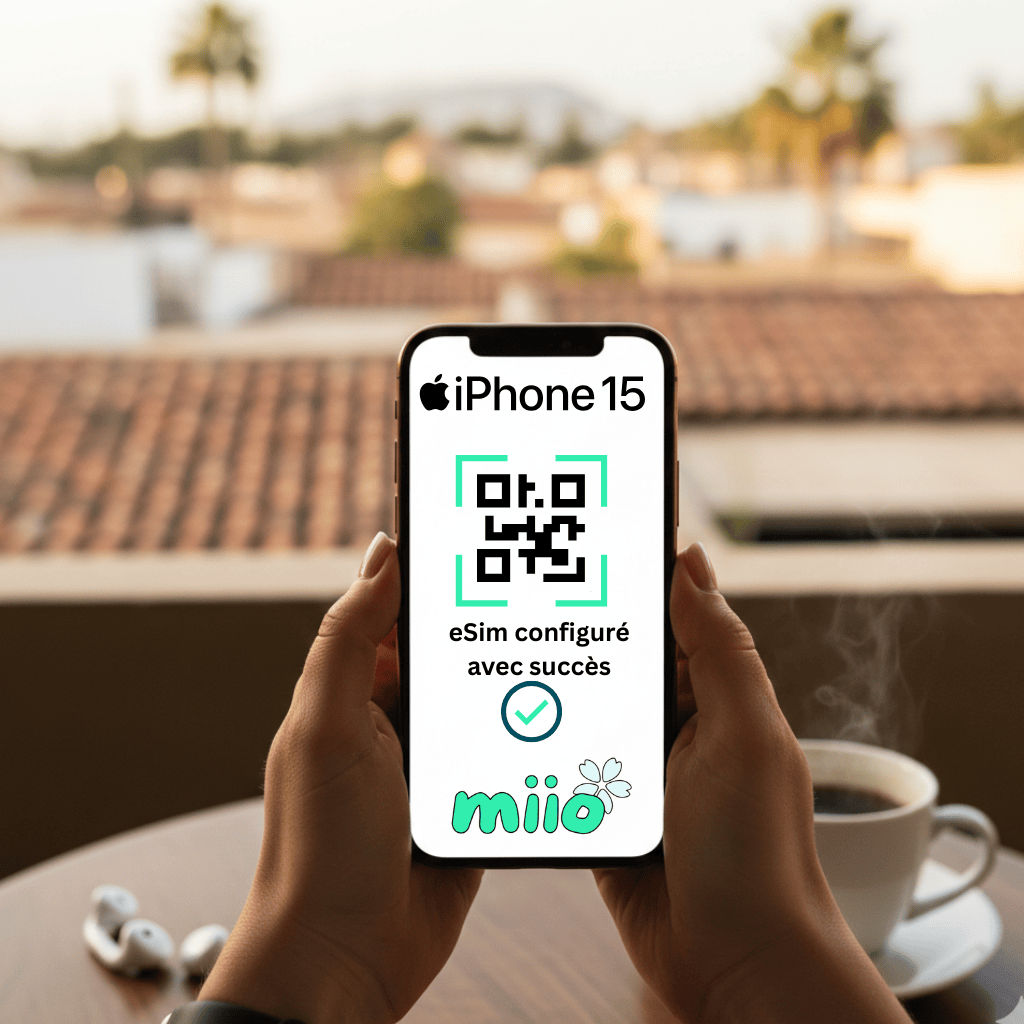
Quick guide to getting your new line up and running in minutes.
Prerequisites: What you need to have before starting
Before diving into the settings, make sure you have these two essential things:
- Your iPhone 15 (or 15 Pro, Plus, Max) connected to Wi-Fi. Activating the eSIM requires a stable internet connection.
- Your operator's eSIM. It is usually a QR Code or a manual activation code that your supplier sent you by email or via their application.
The 3 steps to install your eSIM
The most common and simplest method is to use the famous QR code.
Step 1: Access Cellular Settings
- Open the application Settings (the gear icon).
- Press Cellular Or Cellular Data.
- Select Add a cell phone plan Or Add an eSIM card.
- Use a QR code
Step 2: Scan the QR Code
Your iPhone will open the camera and prompt you to scan a QR code.
- Place your iPhone camera in front of the QR Code provided by your operator.
- The iPhone will detect it instantly and display a confirmation message.
- Press Continue Or Follow the instructions on your phone.
💡 Miio Tip: If the QR code doesn't work or if you only have one code to enter, choose the option Enter the details manually and enter your operator's code.
Step 3: Name your line and finalize
It's almost finished!
- The iPhone 15 will ask you to name this new line. You can choose “Vietnam Line» or «Summer Trip» or a personalized name. This is very useful if you use two numbers!
- Next, define your default line for calls and messages (you can always change it later).
- Press To end.
Congratulations! A few seconds later, your operator's name should appear at the top of the screen. Your eSIM is now active and ready to use.
🌟 Problem? Don't panic!
If you encounter an error message or if the line does not appear, here is the simplest check:
- Check your Wi-Fi connection. This is the most common cause.
- Contact your operator's support. He may need to perform a server-side activation.
💡 Ready to enjoy your newfound freedom?
Now that your iPhone 15 is set up, why not explore the plans that offer the most flexibility for your next vacation?👉 Discover our selection of our international eSIM plans To travel without hidden costs!