







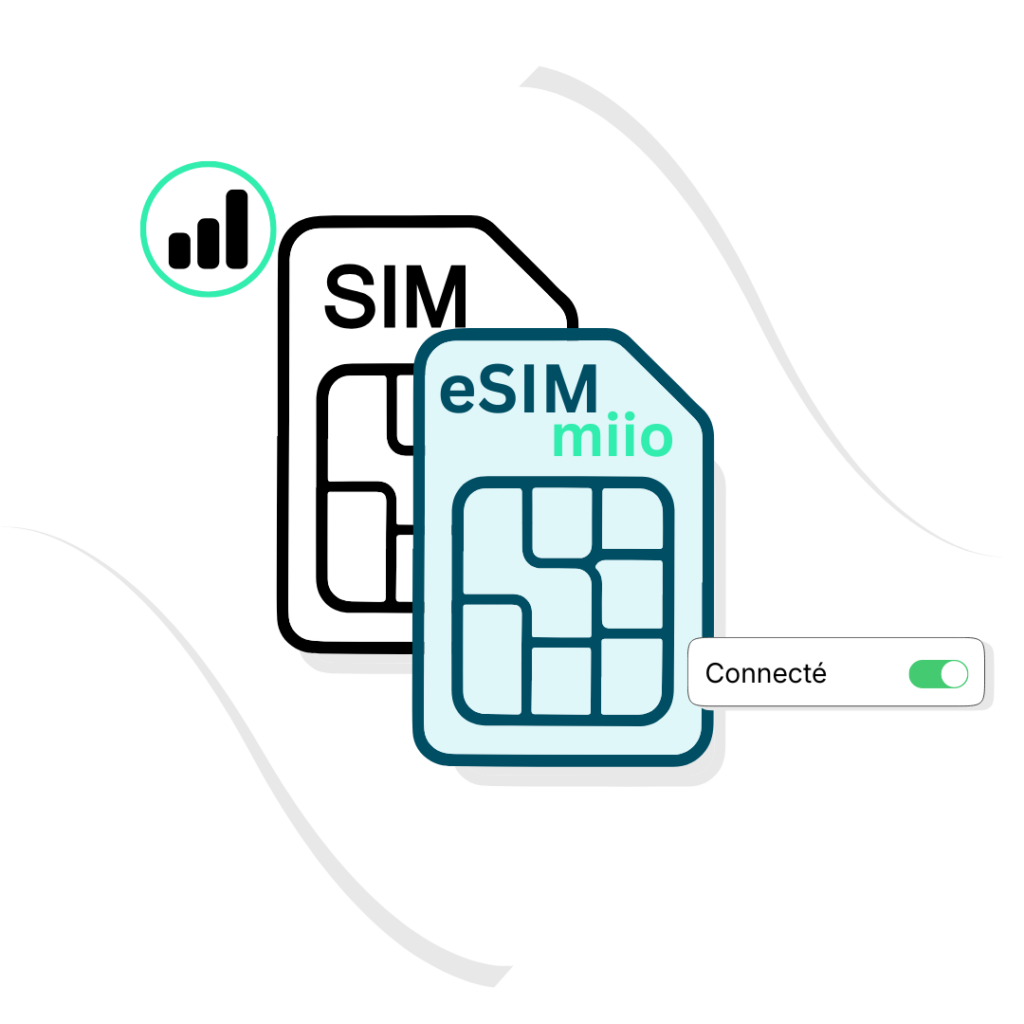
Une eSim est la version 100% numérique de votre carte SIM habituelle.
Plus besoin de changer de puce : tout se passe à l’intérieur de votre smartphone. Elle vous permet d’utiliser plusieurs forfaits en simultané.
Très utile en déplacement à l’étranger, elle s’active en 2 minutes. Vous bénéficiez d’une connexion dès votre arrivée.
Choisissez le volume de data international adapté à votre séjour. Du week-end au road-trip, trouvez le forfait qui vous convient.
Maîtrisez votre budget. Avec l'eSIM, pas de frais d'itinérance de la part de votre opérateur. Vous maîtrisez votre budget au centime près avant même de décoller.
Sélectionner votre forfait, scanner le QR Code et suivez le guide. En quelques clics votre forfait est prêt à être activé.
Votre eSIM Miio cohabite avec votre ligne habituelle. Vous gardez vos contacts vos accès et vos SMS de confirmations actifs.
Nous vous guidons pas à pas pour l'installation de votre eSim. Le petit plus : Notre équipe vous répond 24h/24
Nous sélectionnons les meilleurs réseaux locaux (4g/5g) pour vous garantir le meilleur débit dès la sortie de l'avion.
Sélectionnez votre destination, votre forfait et finaliser votre achat.
Scannez le code QR et installez l'eSIM sur votre appareil. Votre ligne est active dès votre première utilisation à destination.
Profitez de vos données, surf, appel visio... besoin d'un petit plus, rechargez votre forfait quand vous le souhaitez
An eSIM, or embedded SIM, is a digital SIM card that is embedded in a device’s hardware rather than being a physical, removable card. Unlike physical SIM cards, which need to be inserted and removed from a device, eSIMs can be programmed and reprogrammed remotely, making it easier to switch between mobile carriers and plans. One of the main benefits of using an eSIM is that it makes it easier to switch between mobile carriers and plans, as you can download and install new eSIM profiles remotely. Additionally, eSIMs are more durable than physical SIM cards, as they cannot be lost or damaged in the same way. eSIMs also free up space in your device, as you don’t need to have a physical SIM card slot.
Not all devices support eSIMs. However, an increasing number of smartphones, tablets, wearables, and other devices are now compatible with eSIM technology. You should check with your device manufacturer or mobile carrier to see if your device supports eSIMs. You may check if your device is compatible here
If your device can’t scan the eSIM QR code, you can manually add your account using the provided activation code (LPA). Settings > Cellular > Add Cellular plan > Choose “Enter Details Manually” (located under the scanner > Enter the following details:
The eSIM QR code is unique and can be installed only once. If you have lost or changed your device or removed the eSIM accidentally, you need to purchase a new one.
There are 3 ways to add an eSIM to your device (please note these steps may differ depending on your device):
Option 1 – By scanning the eSIM QR Code
To scan the QR Code and set up your eSIM, please follow these steps:
If you still don’t have connectivity, please check your APN (access point name) settings, probably your APN was not set automatically. You can set the APN manually, please find the APN details in your account > eSIM lines>More information
Option 2 – manually change APN settings on an Android mobile phone
Once it’s done, click on the ‘Save’ option in the upper right corner of the screen.
Option 3 – By adding the eSIM manually
If you are experiencing issues scanning the QR code or are unable to scan the QR code, you can enter eSIM details manually. Please follow these steps:
The eSIM QR code is unique and can be installed only once. If you have lost or changed your device or removed the eSIM accidentally, you need to purchase a new one.